
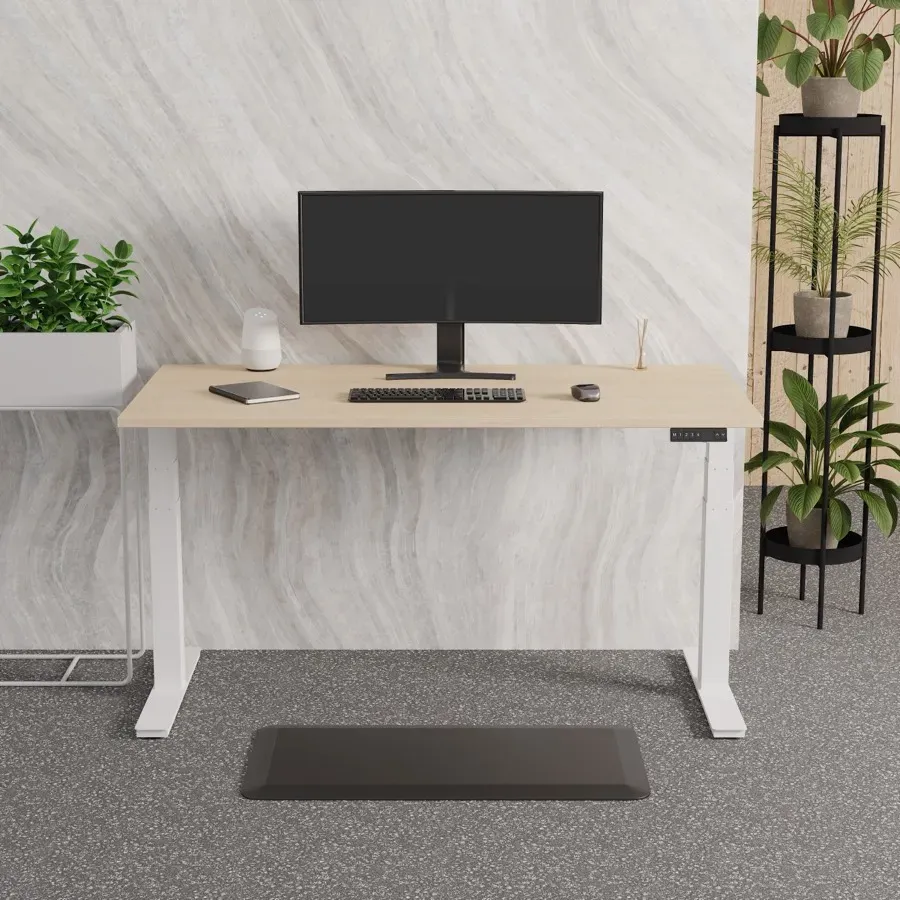
Height-adjustable desks have gone from a specialist request to a standard option. The desks themselves are straightforward. Getting value from them is mostly about specification and habit.
Get the height range right
Check the minimum and maximum heights against the people using the desk, not the average. A range that stops short at the bottom is a problem for shorter users, and the top of the range matters if someone is over six foot.
Single motor, twin motor and frame type
Twin-motor frames raise and lower more smoothly and generally carry more weight, which matters once you add two monitors, a docking station and a laptop riser. Check the stated load capacity includes the weight of the desktop itself.
Memory presets earn their keep
A control with saved heights means people actually change position, rather than nudging a rocker switch and settling for near enough. On shared or hot desks it is the difference between a desk that gets used properly and one that stays down.
Plan for the cables
A desk that moves needs its cables managed, or they snag, pull out or get damaged. Cable trays, spines and in-desk power modules exist for exactly this. Sort it at the point of ordering rather than afterwards.
Introduce them properly
Standing all day is not the goal, and neither is sitting all day. Alternating is the point. Show people how to set the desk to elbow height, where the screen should sit, and encourage short spells standing to begin with.
Back-to-back and bench configurations
For teams, back-to-back sit-stand benches share a frame and keep the floorplan tidy. Check what happens when one side raises and the other does not, and leave enough clearance between rows.
We stock the Air sit-stand collection in single, back-to-back and slimline formats. If you are specifying for a floor rather than a desk, get in touch and we will help you lay it out.